Getting Started
Setting Up Your First Bitcoin Wallet to Get Paid
A plain-English walkthrough for Canadians on choosing and configuring a Bitcoin wallet so you can start receiving payments right away.
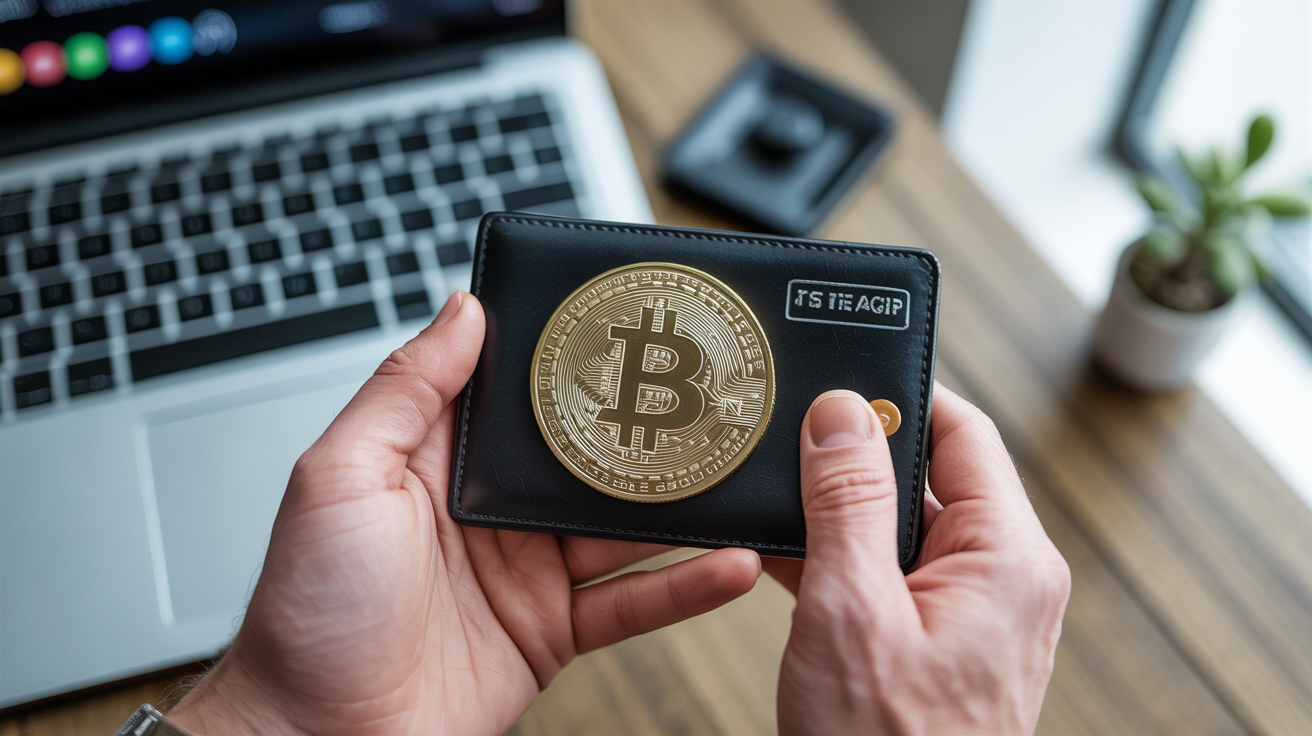
Getting your first Bitcoin payment starts with one thing: a wallet that gives you a receiving address. The wallet does not hold coins the way a physical wallet holds bills. It holds the private keys that prove ownership of bitcoin recorded on the blockchain. Once you have an address, anyone in the world can send bitcoin to it, and it will arrive without a bank, a processor approval, or a business day delay.
This guide walks through the practical steps of picking a wallet type, generating an address, and confirming a test payment, with notes on where Canadian rules touch the process.
What a Bitcoin Wallet Actually Does
A wallet is software (or hardware) that manages two things: a public address you share to receive funds, and a private key you guard closely to spend them.
When someone pays you in bitcoin, the transaction is broadcast to the Bitcoin network and eventually confirmed in a block. Your wallet reads the blockchain and shows the balance associated with your keys. Nothing is "inside" the app in the way money is inside a bank account. The app is just a window.
This matters for security. If you lose the private key or the seed phrase that generates it, no recovery process exists. There is no Canadian equivalent of CDIC insurance for self-custodied bitcoin. Understanding that distinction is the foundation for every choice that follows.
For a broader look at what receiving bitcoin actually involves day to day, see What It Really Means to Accept Bitcoin as Payment.
Choosing the Right Wallet Type for Receiving Payments
Wallets fall into a few categories. The right one depends on how much you plan to receive, how often, and whether you need invoicing features.
Software Wallets (Mobile and Desktop)
A software wallet runs on your phone or computer. Setup takes a few minutes, and you can start generating addresses immediately. Most produce a 12 or 24-word seed phrase on first launch. Write it down on paper, store it somewhere secure, and do not photograph it or paste it into any app.
Common choices in this category let you generate a fresh receiving address for each payment. Using a new address each time improves privacy because it prevents a payer from linking your full payment history by watching one address.
Software wallets are practical for moderate volumes. They suit freelancers, small service businesses, and anyone starting out. The tradeoff is that the keys live on a device that connects to the internet, which carries more risk than cold storage.
Hardware Wallets
A hardware wallet is a small physical device that stores private keys offline. You connect it to a computer only when you need to sign a transaction. For receiving, you can generate an address without connecting the device at all.
Hardware wallets make sense once you are holding amounts you cannot afford to lose. For a new setup accepting small or occasional payments, a software wallet gets you moving faster. You can always migrate to hardware storage later by transferring funds to a new address generated from the hardware device.
Exchange-Custodied Addresses
Canadian exchanges like Shakepay, Newton, or Bitbuy will give you a receiving address tied to an account on their platform. You control the account through a username and password rather than a private key.
This is the most accessible starting point for some people. The tradeoff is that the exchange holds the keys, so you are trusting their security and solvency. It is a reasonable short-term option for receiving a first payment and then deciding how to proceed, but it is not the same as self-custody.
How to Generate Your First Receiving Address
The process varies slightly by wallet, but the general steps are consistent:
- Download and install a wallet from the official project website or your phone's app store. Verify the source carefully. Fake wallet apps exist specifically to steal funds.
- Create a new wallet. The app will generate a seed phrase. Write it down before continuing.
- Open the Receive screen. The app will display a Bitcoin address as a string of letters and numbers, usually alongside a QR code. Both represent the same address.
- Copy or display the address. Share it with whoever is sending you a payment, or display the QR code for in-person transactions.
- Wait for the transaction. Most wallets show an incoming transaction as "unconfirmed" almost immediately. It becomes confirmed after it is included in a block, which typically takes roughly 10 minutes for the first confirmation, though this varies based on network conditions.
For your first test, send yourself a small amount from an exchange account or ask a trusted person to send a minimal payment. Confirm it arrives before relying on the address for real payments.
On-Chain vs. Lightning: Which One You Need
Bitcoin has two main payment layers, and the choice affects the address format you use.
On-chain transactions are settled directly on the Bitcoin blockchain. They are final, censorship-resistant, and suitable for larger amounts. Confirmations take time, and transaction fees vary based on how congested the network is at that moment.
Lightning Network transactions settle in seconds, cost a fraction of a cent in fees, and suit small or frequent payments. Receiving on Lightning requires a wallet that supports it and, for reliable availability, some setup to keep a payment channel funded and online.
For a first wallet, starting with on-chain reception is simpler. Once you understand the basics, adding Lightning is worth considering, especially for retail or high-frequency contexts. The full comparison is covered in On-Chain vs. Lightning: Which Bitcoin Payment Rail to Use.
Canadian Considerations When Setting Up
Setting up a wallet does not require registering with anyone in Canada. Holding and receiving bitcoin is legal. That said, a few rules are worth understanding from the start.
CRA reporting: The Canada Revenue Agency treats bitcoin as a commodity. If you receive bitcoin as payment for goods or services, the fair market value in CAD at the time of receipt is generally treated as income. You record that amount, and any later gain or loss when you convert or spend the bitcoin may be a capital gain or loss. The rules have nuance, and they can change. Keeping a log of each transaction date, amount in bitcoin, and approximate CAD value at receipt makes tax time much simpler.
FINTRAC: The Financial Transactions and Reports Analysis Centre of Canada oversees anti-money-laundering rules. If you operate as a money services business involving crypto, specific registration and reporting obligations apply. For most small businesses simply receiving payment in bitcoin for products or services, that designation does not apply, but the line is not always obvious. When uncertain, confirm with a qualified advisor or review FINTRAC guidance directly.
Provincial sales tax: Accepting payment in bitcoin does not change your GST/HST obligations. If you are registered for GST/HST, you still collect and remit it based on the CAD value of the transaction. Some provinces have their own provincial sales tax rules as well.
For a practical overview of how this all fits together in a Canadian business context, see How to Accept Bitcoin Payments in Canada: A Beginner's Guide.
Keeping Your Wallet Secure from the Start
A few habits set early will save significant trouble later.
Back up your seed phrase before doing anything else. Store it somewhere physically secure, separate from your device. Do not use a cloud service, a screenshot, or a password manager for the actual seed words. If you lose the device, the seed phrase is how you recover access.
Use a strong PIN or biometric lock on any mobile wallet. Enable two-factor authentication on any exchange account you use for receiving.
Verify addresses carefully when sharing them. Bitcoin transactions are irreversible. A malware type called a "clipboard hijacker" can replace an address you copy with an attacker's address. Copy the address, paste it somewhere visible, and confirm the first and last several characters match what the wallet shows before sharing it with a payer.
Update wallet software when updates are available. Security patches matter, and running outdated software introduces unnecessary risk.
Frequently Asked Questions
Do I need to register anything in Canada before I can receive bitcoin?
No registration is required simply to hold a wallet and receive bitcoin. You do have tax reporting obligations, since the CRA treats bitcoin received for services as income. If your activity qualifies as operating a money services business under FINTRAC rules, separate registration requirements apply. For most individuals and small businesses receiving payment for goods or services, ordinary income reporting is the relevant obligation, but rules can change and a professional can clarify your specific situation.
Can I use the same address every time someone pays me?
Technically yes, but it is not recommended. Reusing a single address means anyone can look up your full payment history on the public blockchain. Most wallets generate a new address for each transaction automatically. You end up with multiple addresses, but they all connect to the same wallet and the same funds.
How long does it take to receive bitcoin in Canada?
Once a payer broadcasts the transaction, your wallet will typically show it as pending within seconds or minutes. Confirmation takes roughly 10 minutes per block on average, though this varies with network congestion. For small amounts, many people treat one or two confirmations as sufficient. For large transactions, waiting for more confirmations is common practice.
What happens if I send bitcoin to the wrong address?
Bitcoin transactions are irreversible. If you share the wrong address with a payer or if a payer enters an incorrect address, there is no recall mechanism and no institution to reverse the transaction. This is one of the most important practical differences between bitcoin and a bank transfer.
Is my receiving address the same as my private key?
No. Your receiving address is derived from your public key and is safe to share openly. Your private key (or the seed phrase that generates it) is what you never share. Anyone with access to your private key controls your funds. The wallet manages this separation automatically; the address you share and the key you guard are mathematically related but serve different purposes.