Payment Tools
How to Generate and Use Bitcoin Payment QR Codes for Your Business
A plain-English guide to the bitcoin payment QR code: how it works, static vs dynamic codes, where to generate one, and how to use it safely at checkout.
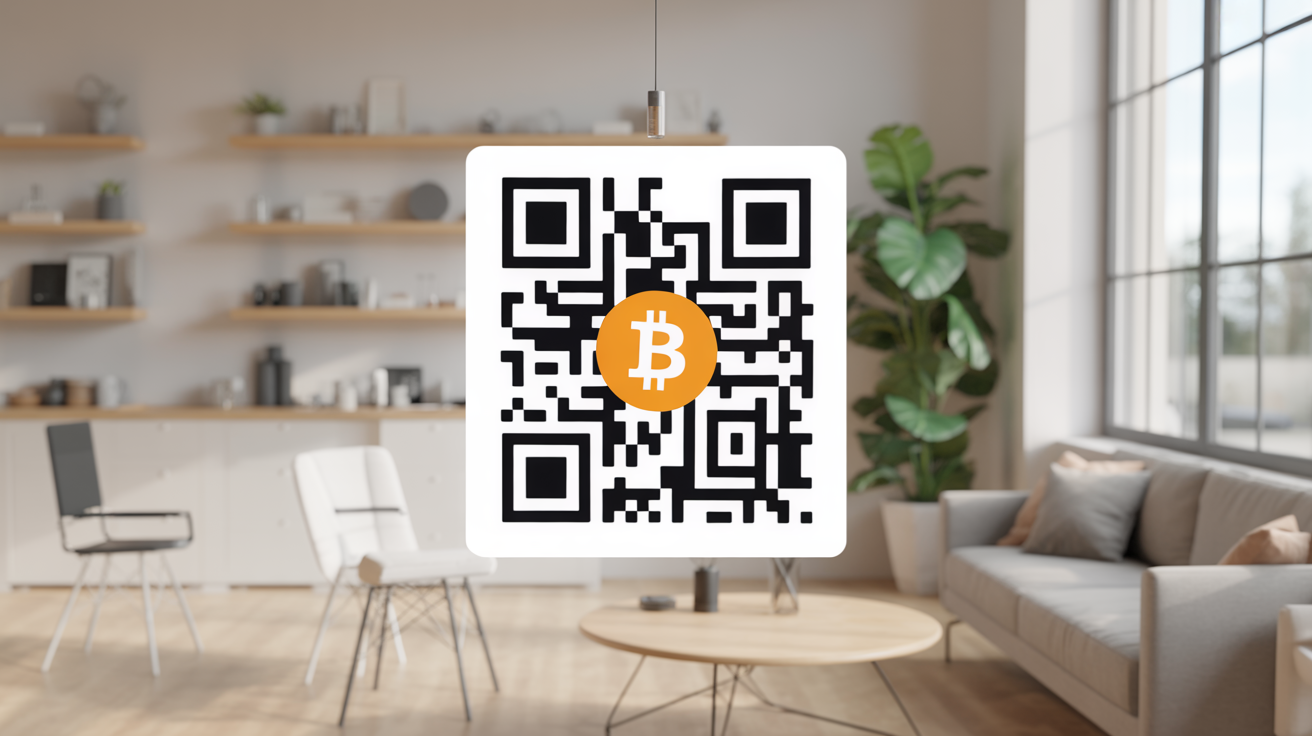
A bitcoin payment QR code is the thing that makes crypto checkout actually usable. Nobody wants to type out a 34-character wallet address by hand, and nobody should have to. Your customer scans a square of black and white pixels with their phone, their wallet app fills in the details, and they confirm. That's the whole interaction. But there's more going on under the hood than most merchants realize, and the difference between doing it right and doing it lazily comes down to one choice: static or dynamic.
What a bitcoin payment QR code actually encodes
Under the surface, a bitcoin payment QR code is just a compact way to display a URI (a text string following a specific format called BIP21). Scan any bitcoin QR code with a barcode reader instead of a wallet app and you'll see something like this:
bitcoin:bc1qxy2kgdygjrsqtzq2n0yrf2493p83kkfjhx0wlh?amount=0.00142000&label=Coffee%20Shop&message=Order%20%2314
That string has a few parts. The bitcoin: prefix tells the scanning app what kind of QR code this is, so your phone knows to open a wallet instead of a browser. After that comes the actual receiving address. Everything after the question mark is optional: an amount field in BTC, a label naming the recipient, and a message describing the payment. A Lightning invoice QR code works on the same idea, just with lightning: and a much longer encoded invoice string instead of a plain address.
The important part for a merchant is this: a QR code that only encodes an address is a very different tool from one that also encodes an amount. The first is a static QR code. The second, generated fresh for each sale, is a dynamic one.
Static vs dynamic QR codes
A static QR code encodes a single wallet address and nothing else. It doesn't expire, it doesn't change, and it doesn't know how much the customer owes. You print it once and reuse it indefinitely. That makes it perfect for a tip jar, a donation page, or a "buy me a coffee" link on your website, situations where the payer decides the amount and you're happy to receive whatever comes in.
A dynamic QR code is generated per transaction. It bakes in the exact amount owed, often a memo or invoice reference, and it typically expires after a set window (commonly 10 to 15 minutes, because bitcoin's price moves and a merchant needs to lock in a CAD-equivalent amount before it drifts). This is the format almost every serious bitcoin payment gateway uses for retail sales, because it removes the two biggest failure points of static codes: customers sending the wrong amount, and a merchant having no automatic way to match an incoming payment to a specific order.
Here's the tradeoff laid out directly:
| Static QR code | Dynamic QR code | |
|---|---|---|
| What it encodes | Address only | Address + exact amount + often a memo |
| Good for | Tips, donations, recurring support | Point-of-sale retail, invoicing |
| Reused across sales? | Yes, same code every time | No, generated fresh per transaction |
| Expires? | Never | Usually, after 10 to 15 minutes |
| Risk of underpayment or overpayment | Higher, customer enters the amount manually | Low, amount is pre-filled |
| Reconciling which sale it paid for | Manual, by timing and amount matching | Automatic, tied to an invoice ID |
| Where you get one | Any wallet's "receive" screen | Payment processor, POS app, or BTCPay Server |
Neither one is universally "better." A static code on a countertop sign asking for tips is fine because there's no order to reconcile. A static code as your only checkout method for a retail shop selling forty different items a day is a mess waiting to happen.
Where a Canadian merchant actually gets one
You have three realistic sources, and which one fits depends on your volume and how much control you want.
A wallet app. Any bitcoin or Lightning wallet, custodial or self-custodied, can generate a receive QR code with an amount field. This is the simplest possible setup: open the wallet, tap "receive," enter the CAD amount you want converted to BTC or sats, and it draws the code on screen for the customer to scan. It works, it costs nothing, and it's genuinely fine for a small volume of sales or a side hustle. The downside is you're doing the accounting yourself, there's no automatic invoice trail, and if you close the app before the customer pays, you have to start over.
A payment processor. Services built specifically for merchant bitcoin acceptance generate the dynamic QR code for you, watch the blockchain (or Lightning network) for the incoming payment, confirm it automatically, and often convert straight to CAD in your bank account so you never hold bitcoin's price risk. If you already have a bitcoin payment button on your website, the same processor almost certainly also has a point-of-sale app that puts a QR code on a tablet at your counter.
BTCPay Server. If you'd rather not hand a percentage of every sale to a processor, running your own BTCPay Server instance gives you the same dynamic, per-invoice QR code generation, self-hosted, with the funds landing directly in a wallet you control. It takes more setup work than signing up for a processor account, but for a merchant doing meaningful bitcoin volume, avoiding an ongoing per-transaction fee adds up fast.
Printing and displaying it at checkout
For a static tip or donation code, printing is simple: generate it once, print it on a sign or a table tent, and you're done for as long as that wallet address stays in use.
For dynamic, per-sale codes, you have two practical setups. The first is a screen at the register, a tablet, a phone, or a dedicated POS terminal running your processor's or BTCPay's checkout app, that displays a fresh code for each transaction and clears it once payment lands. This is the standard approach and it's what most POS integrations are built around; it's worth reading through the details of accepting bitcoin at the point of sale before you commit to hardware.
The second is a printed receipt with the QR code on it, generated at the moment of sale and handed to the customer to scan. This suits situations where a screen isn't practical, a food truck window or a market stall. Either way, the code needs a decent physical size (roughly 3 to 4 cm square minimum) and real contrast; a faded thermal receipt or a code shrunk to fit a business card often won't scan reliably.
The risk of reusing one static address for many sales
This is the mistake worth spelling out clearly, because it's the most common one new bitcoin merchants make. Printing one static QR code and using it as your only checkout method, for every sale, every customer, every day, causes real problems:
- No automatic way to match a payment to an order. If three customers pay the same address within an hour, you're matching amounts and timestamps by hand.
- Customer error becomes your problem. Without a pre-filled amount, a customer types in the wrong number or fat-fingers a decimal point, with no built-in way to flag it.
- Weaker bookkeeping. Every payment to that one address is publicly linked together on the blockchain, which makes clean transaction-level records harder than it needs to be.
- No expiry means no urgency. A dynamic invoice with a 10-minute window protects you from bitcoin's price moving between the quote and the payment. A static code offers no such protection.
None of this means static codes are unsafe, they're the right tool for the donation jar and the tip link. It means they're the wrong tool for retail checkout, and the fix costs nothing beyond switching to a processor, a POS app, or BTCPay Server that generates a fresh code per sale.
Frequently Asked Questions
Do I need a special printer to make a bitcoin QR code?
No. Any wallet app, payment processor dashboard, or BTCPay Server instance will generate the QR code as an image you can screenshot, download, or send straight to a standard printer. No specialized hardware is required.
Can a bitcoin QR code accept Lightning and on-chain payments at the same time?
Yes, many wallets and processors now generate a single "unified" QR code that encodes both a Lightning invoice and an on-chain bitcoin address, and the scanning wallet automatically picks whichever method it supports. This is increasingly the default in Canadian point-of-sale setups since it removes the need to ask the customer which network they want to use.
Will a bitcoin payment QR code expire if the customer takes too long to pay?
A dynamic, per-sale QR code usually does, typically 10 to 15 minutes, because it locks in a CAD-equivalent price at the moment it's generated and bitcoin's exchange rate moves constantly. A static address QR code never expires, since it isn't tied to a specific amount or sale in the first place.
Is it safe to reuse the same static QR code for months at a time?
For tips or donations, yes, that's exactly what it's designed for. For retail sales where you need to track which payment belongs to which order, reusing one static code long-term makes reconciliation difficult and is not the setup most Canadian merchants end up sticking with once volume grows past a handful of sales a week.
Do I need to know anything about BIP21 to use a bitcoin QR code in my business?
No. BIP21 is the technical format working behind the scenes, but your wallet app, processor, or BTCPay Server handles the encoding automatically. You just need to understand the practical difference between a static and a dynamic code so you pick the right one for each part of your business.